How to see if accuracy is improving?
See how often your students answer right, session by session.
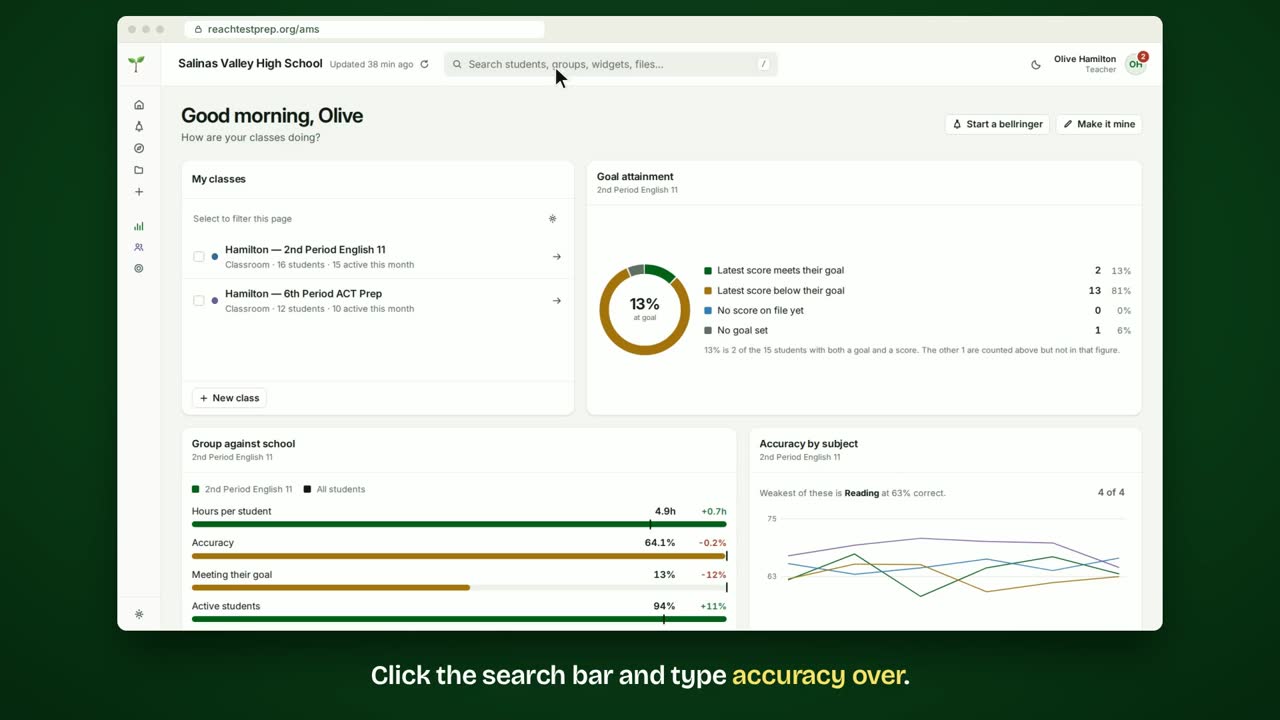
Step by step
- Click the search bar and type accuracy over.
- Choose the Accuracy over sessions widget.
- Click All for one line across every session.
- The latest accuracy is at the top, with the change across those sessions.
- Click By subject to see a line for each subject.
- To see one class, open the widget's ⋯ menu and choose Change what this shows.
- Tick the class, then click Show this group.
- To keep it, click Save and give it a name.
- It's in your menu now, ready whenever you need it.
In short
Search for accuracy and choose Accuracy over sessions. All shows one line and the change across sessions. By subject shows a line for each subject. Use the widget's ⋯ menu to choose a class, then Save it.
ACT® is a registered trademark of ACT Education Corp. Reach Test Prep isn’t affiliated with ACT. Spotted something out of date? Email reach@reachtestprep.org.