How to Use Reach in Your School
Short, step-by-step tutorials for teachers, counselors and administrators using the Reach AMS, from inviting a colleague to reading your students’ practice.
Set up your school3
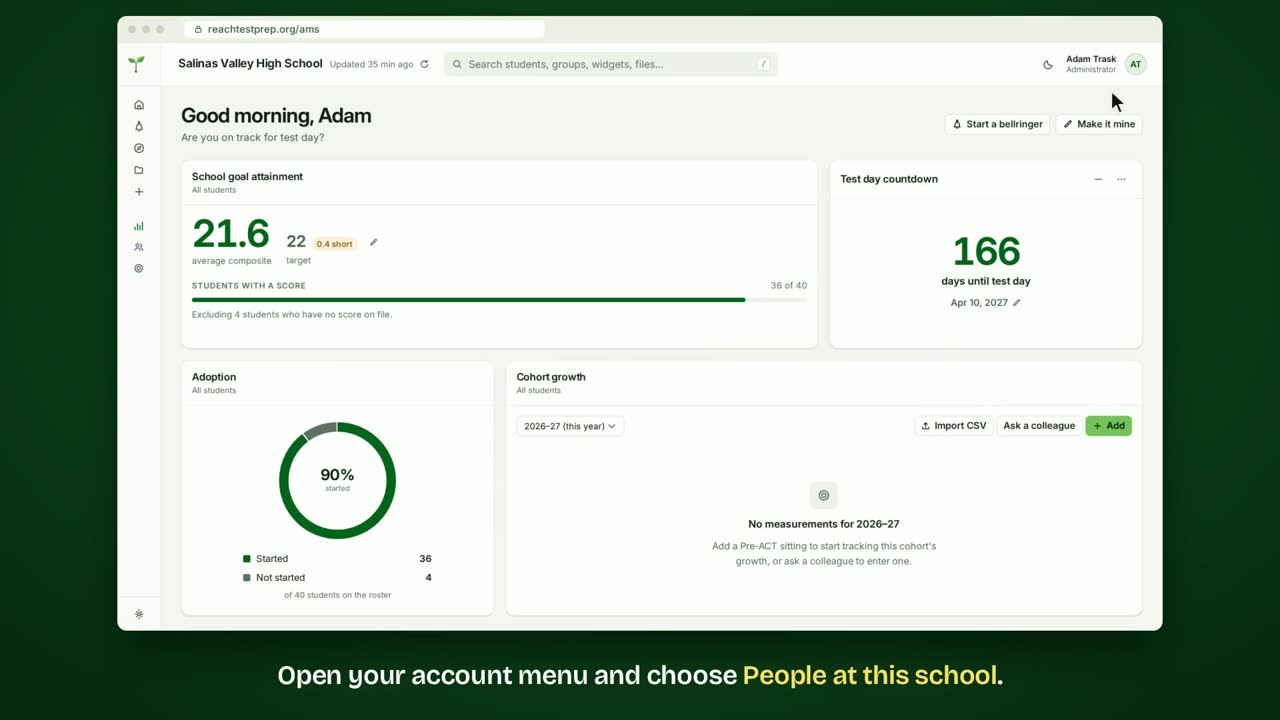
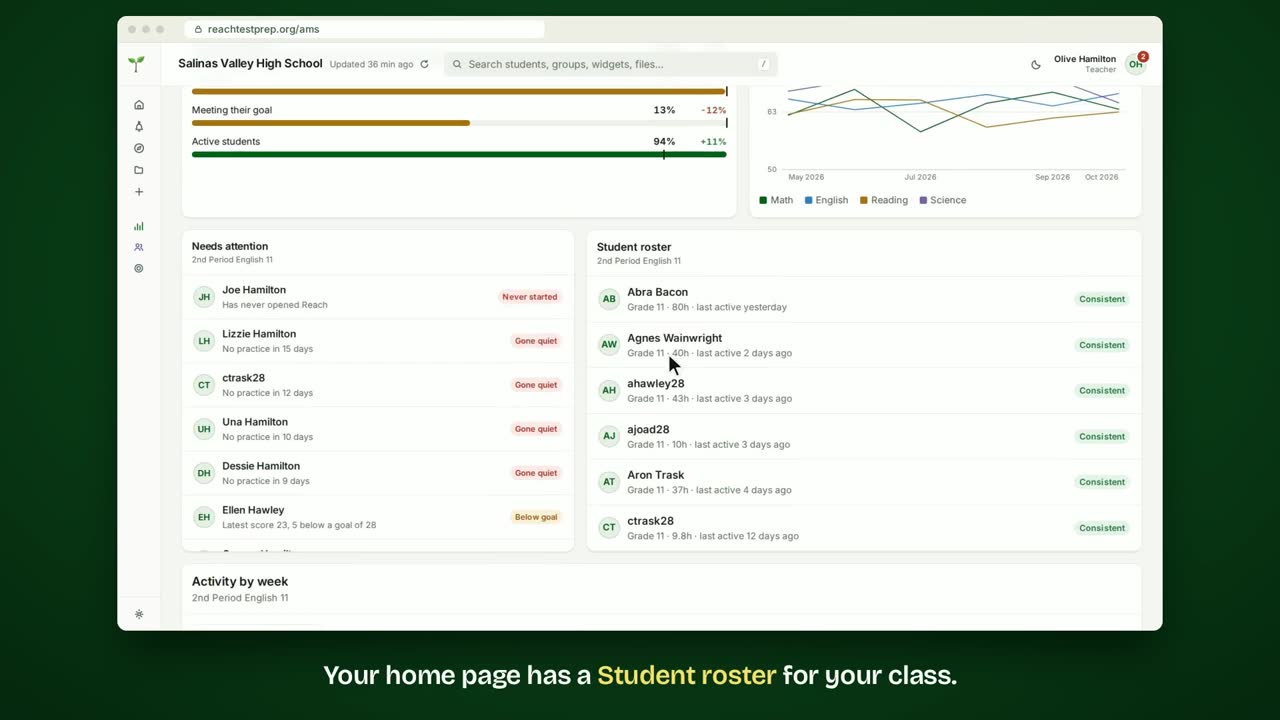
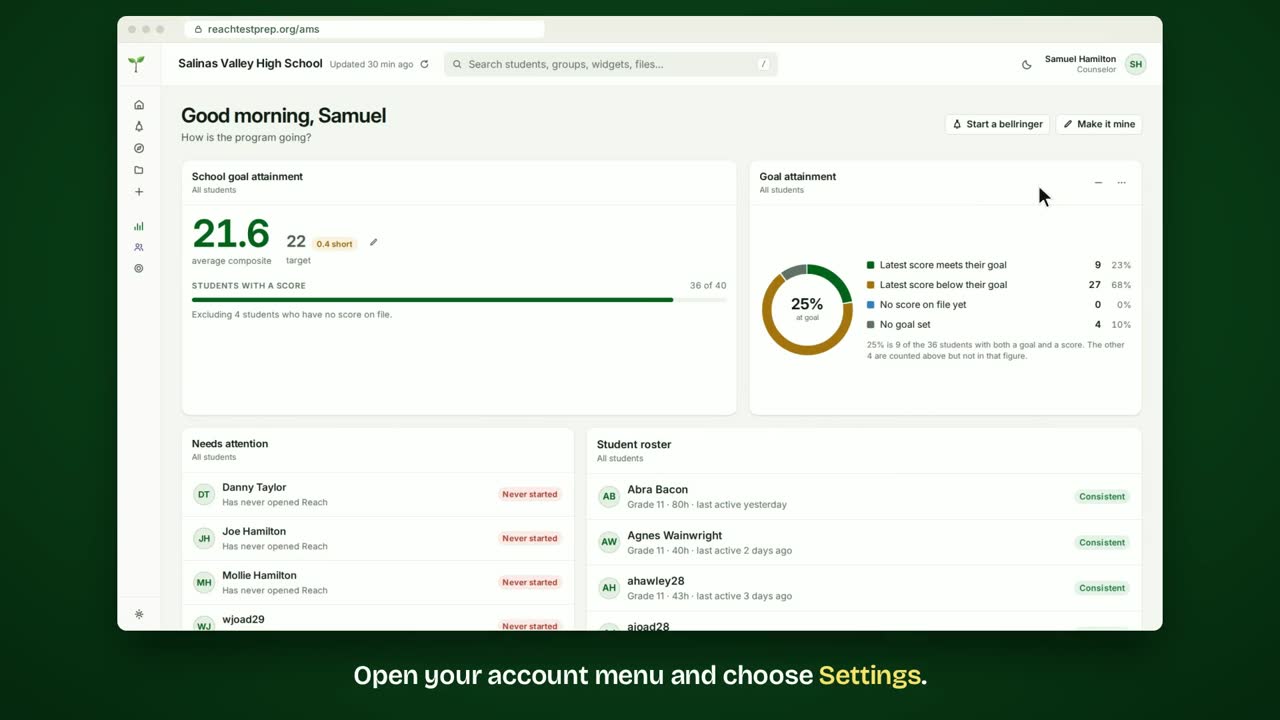
Run class with Reach1
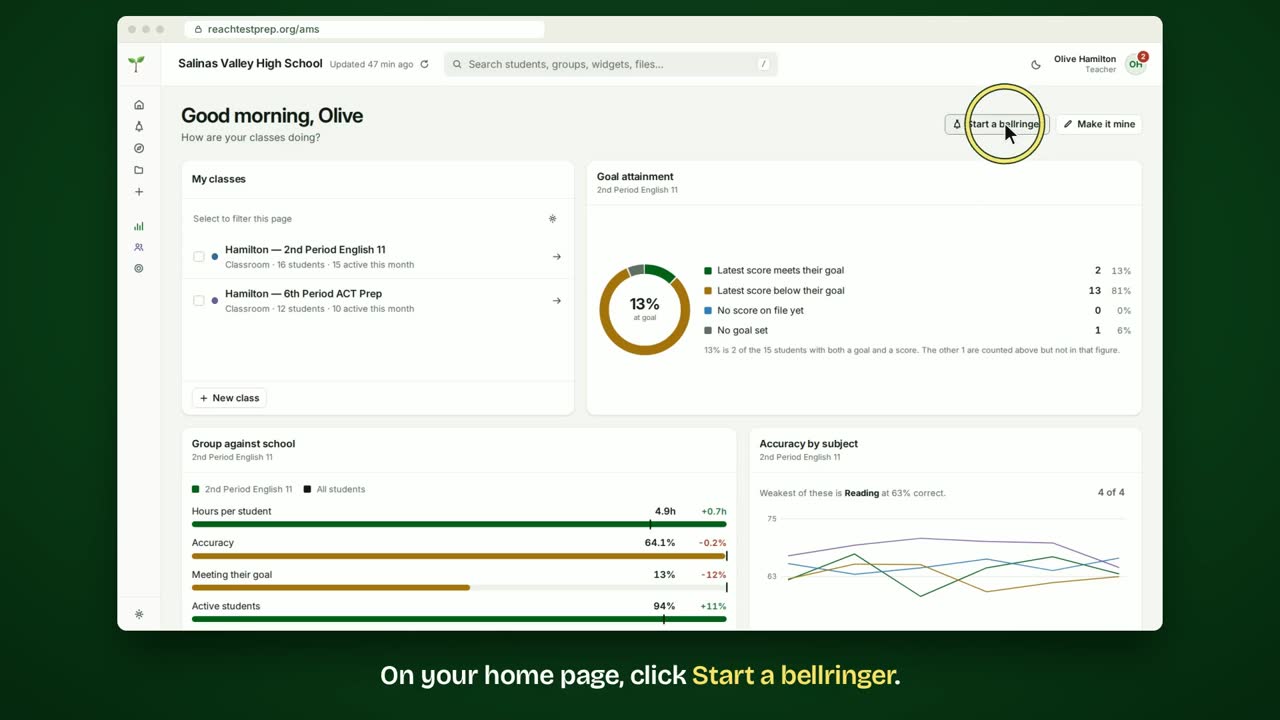
Share with your staff2
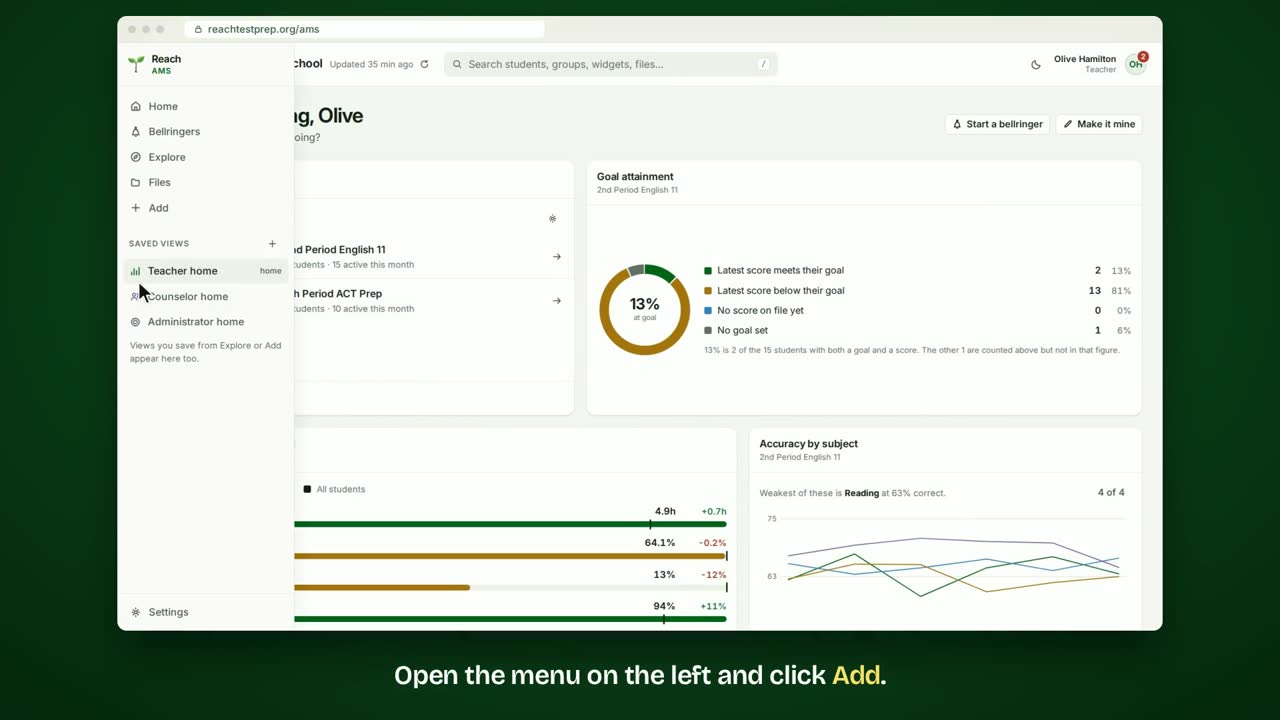
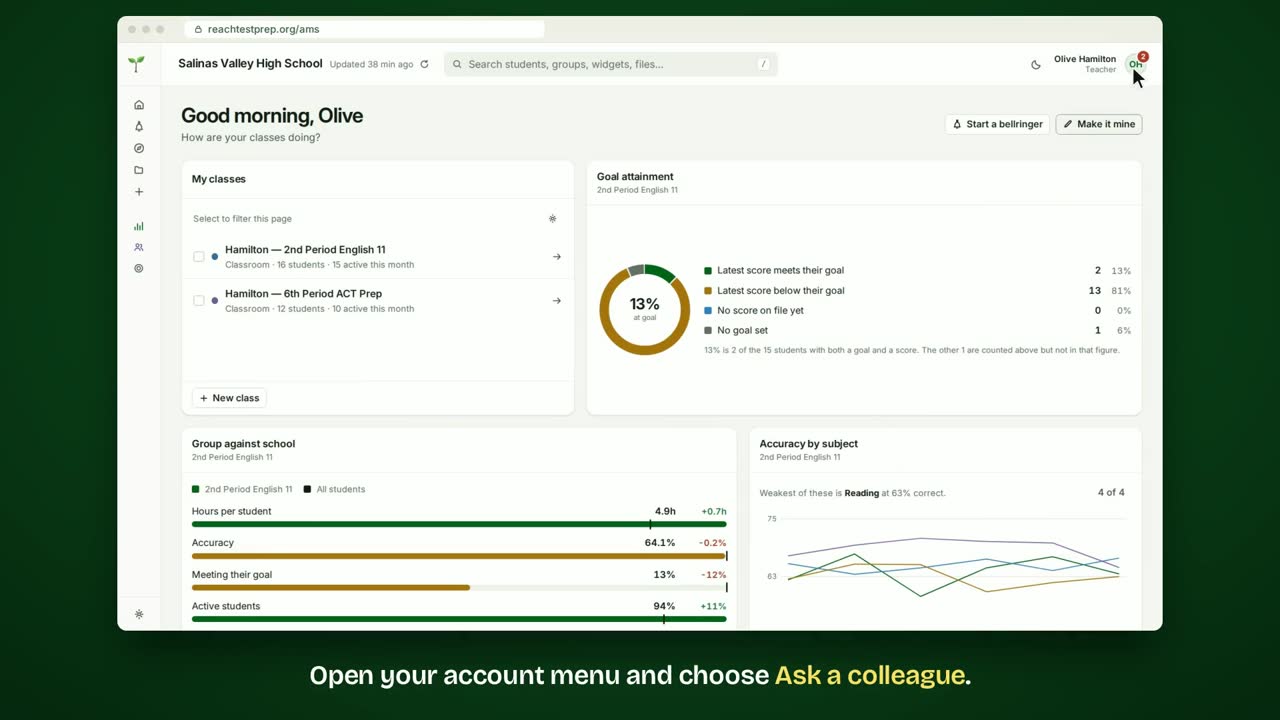
See how your students are doing9
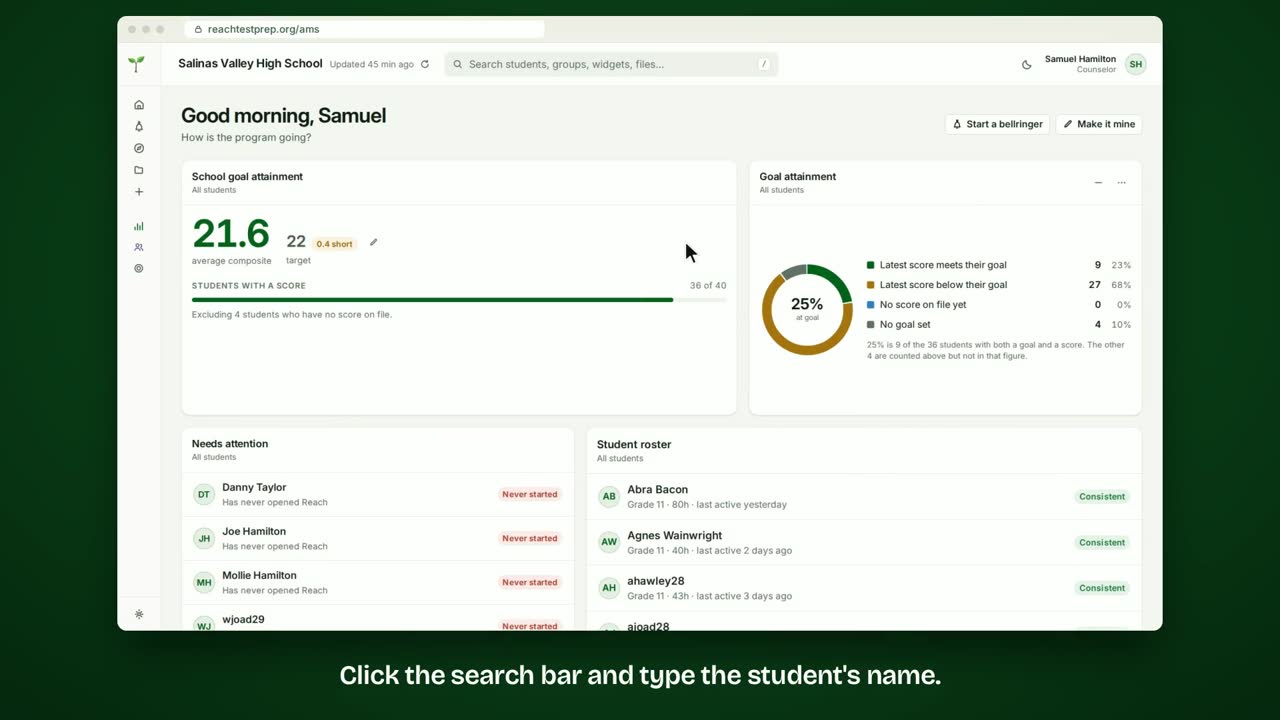 How to see one student's data?Every student has a page with their practice, accuracy, goal and answers.
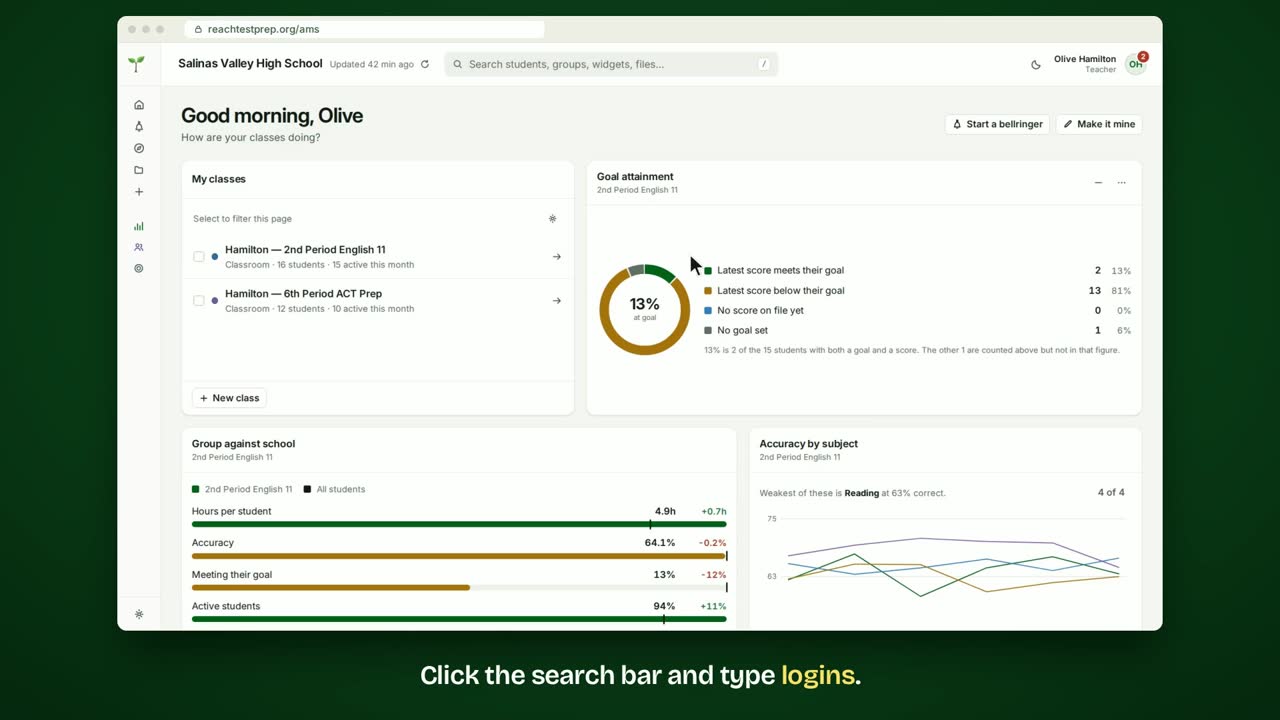 How to see student logins?See how many times your students open Reach each day.
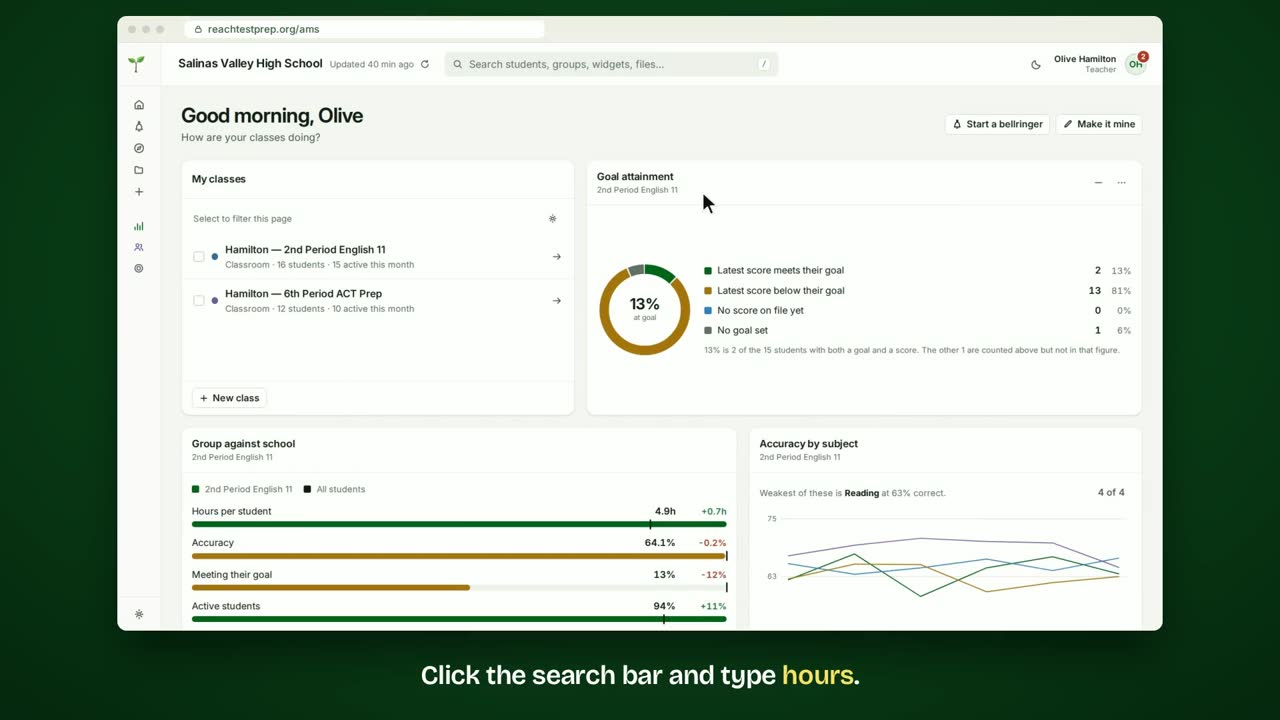 How to see how many hours students practice?See how long your students practice each day, and in total.
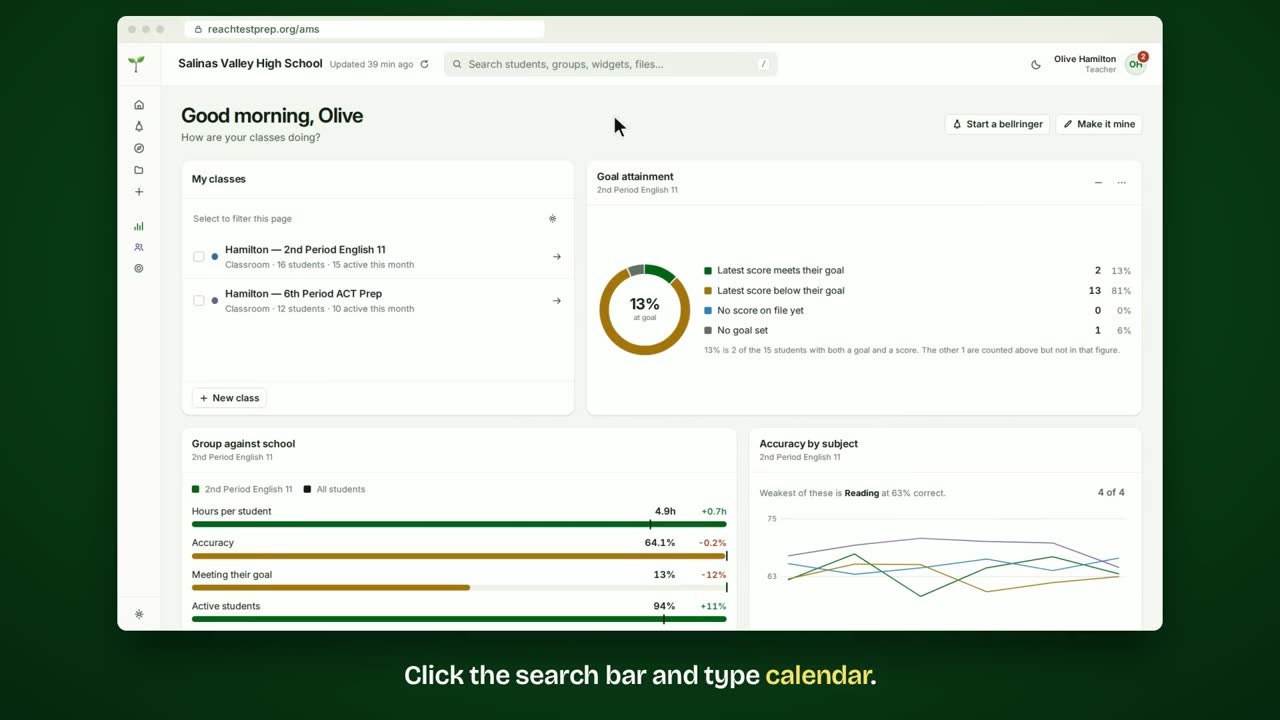 How to see which days students practice?A calendar of 26 weeks, darker on the days with more practice.
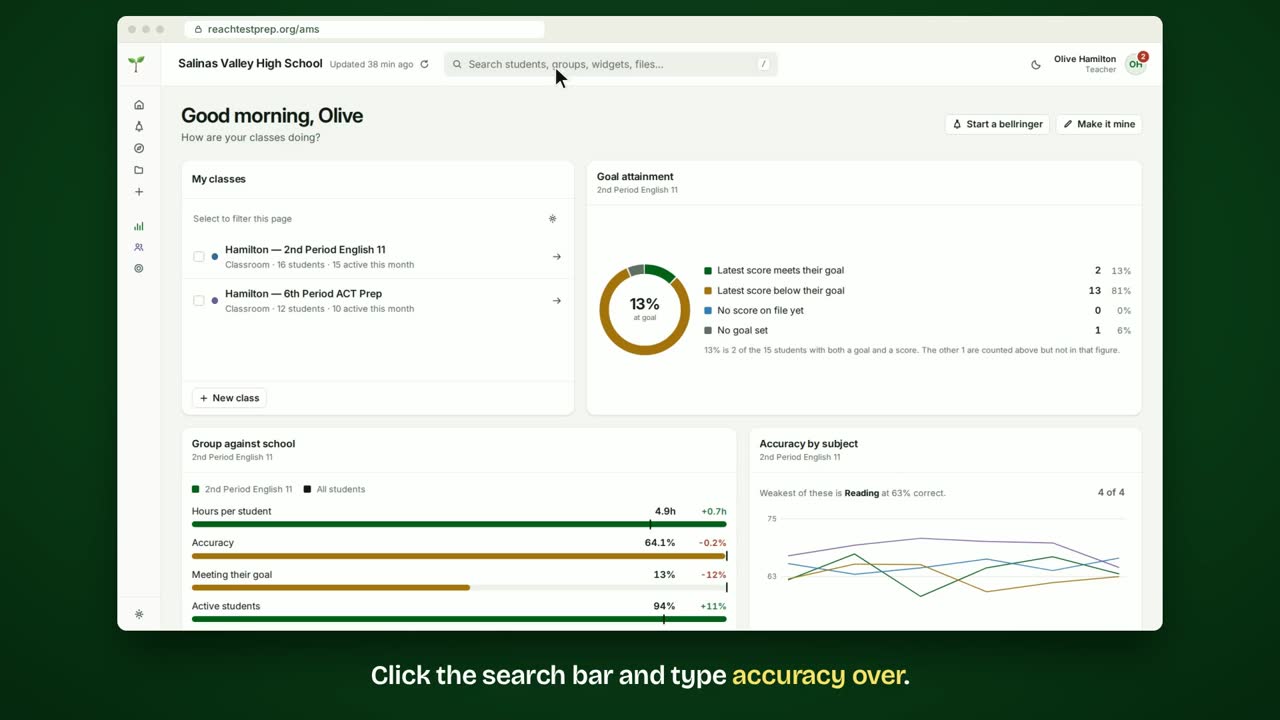 How to see if accuracy is improving?See how often your students answer right, session by session.
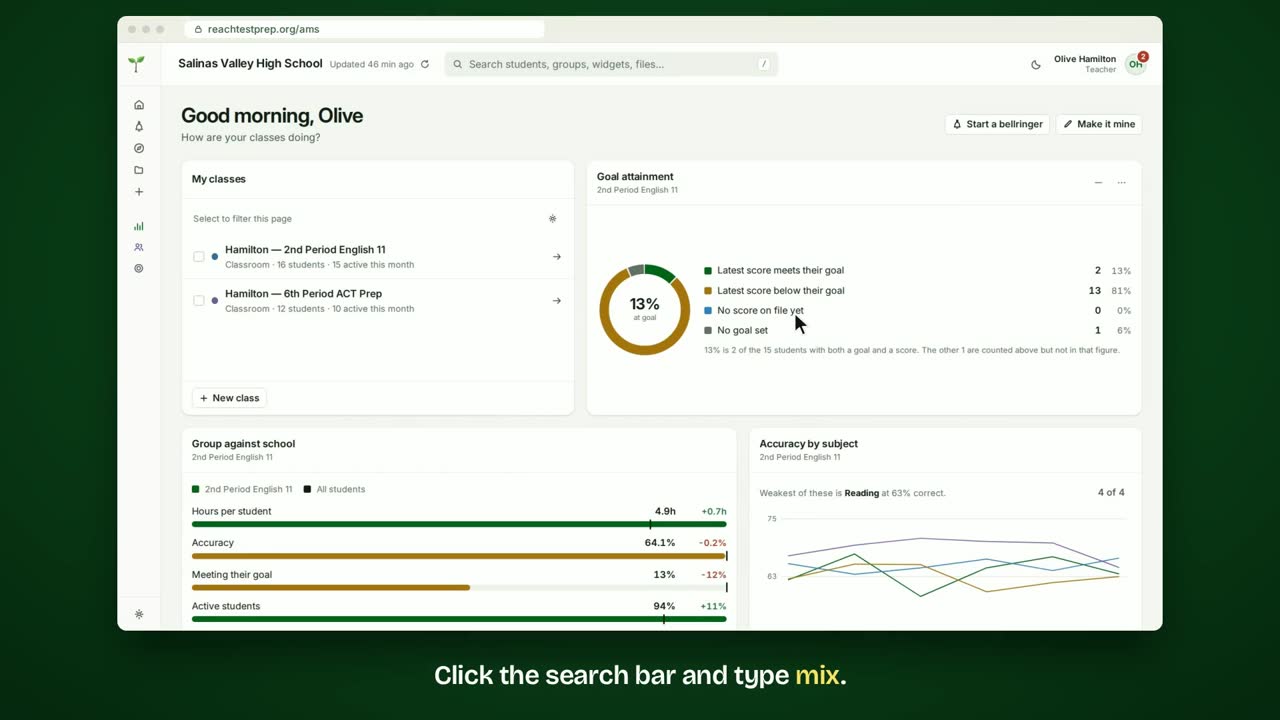 How to see which subjects students practice?See how your students' practice splits across the four ACT subjects.
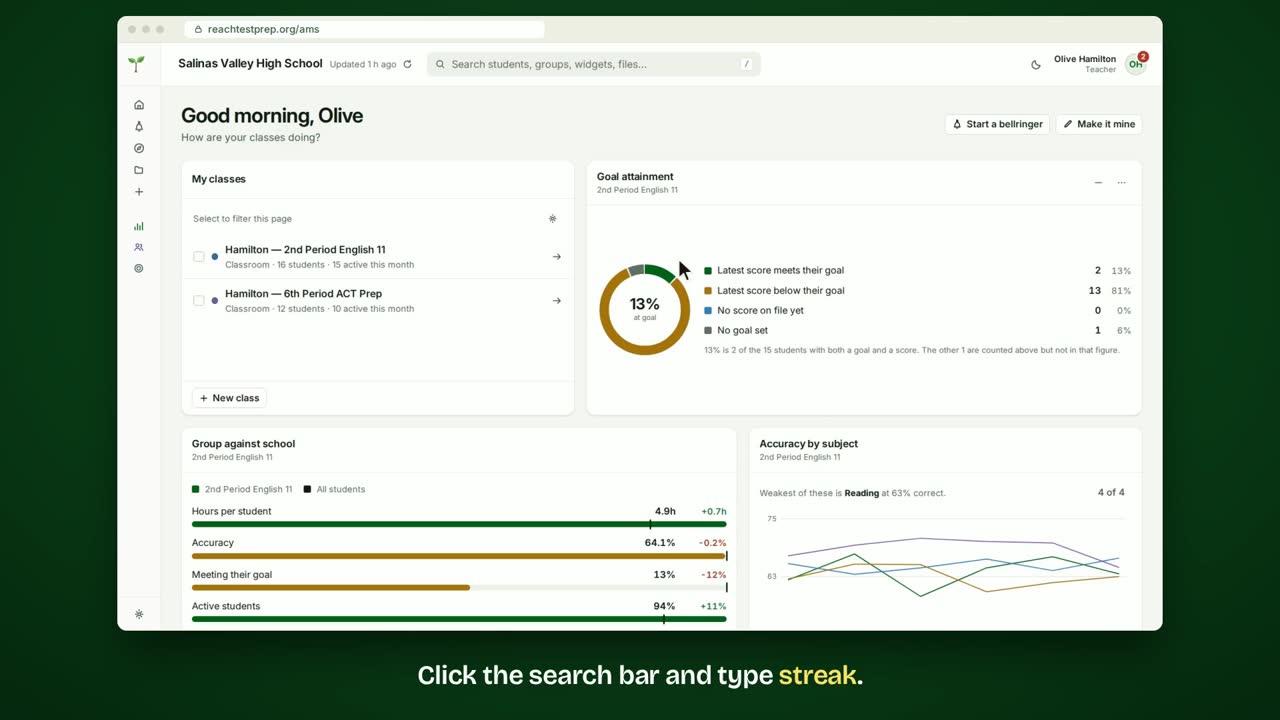 How to see students' practice streaks?See which students have practiced the most days in a row.
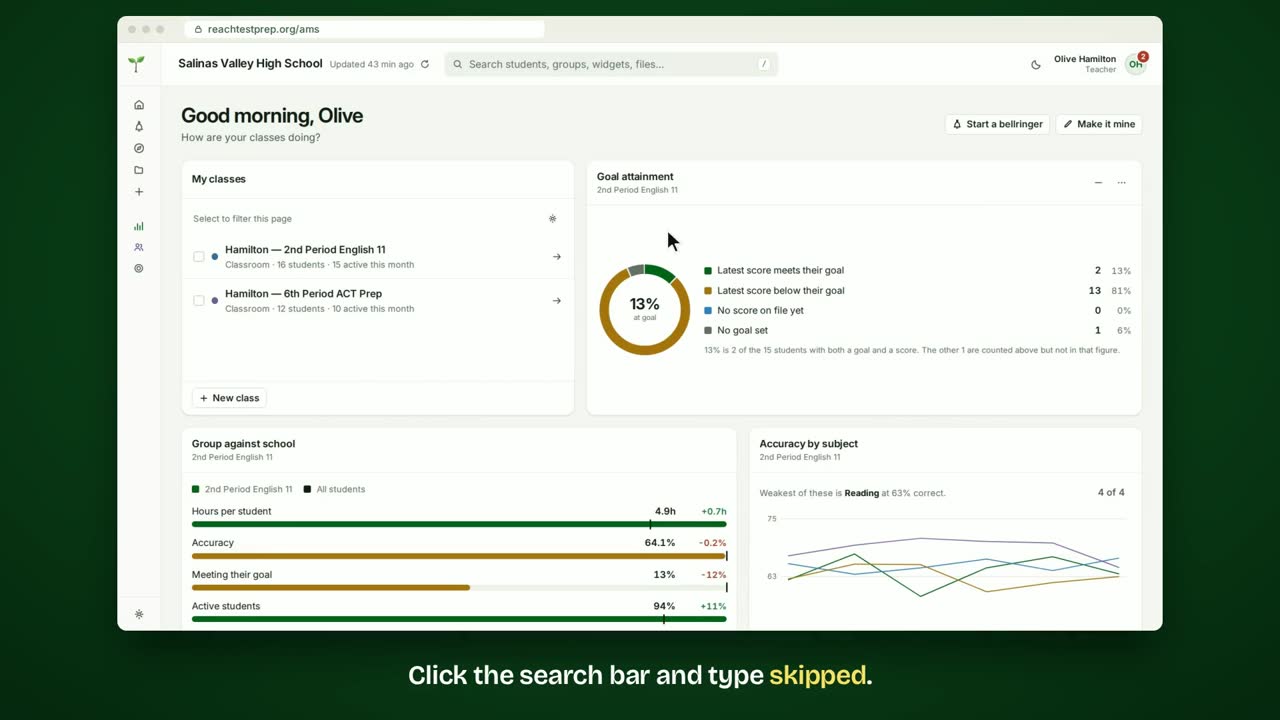 How to see which questions students skip?Find the questions your students skip most, and how the rest answered.
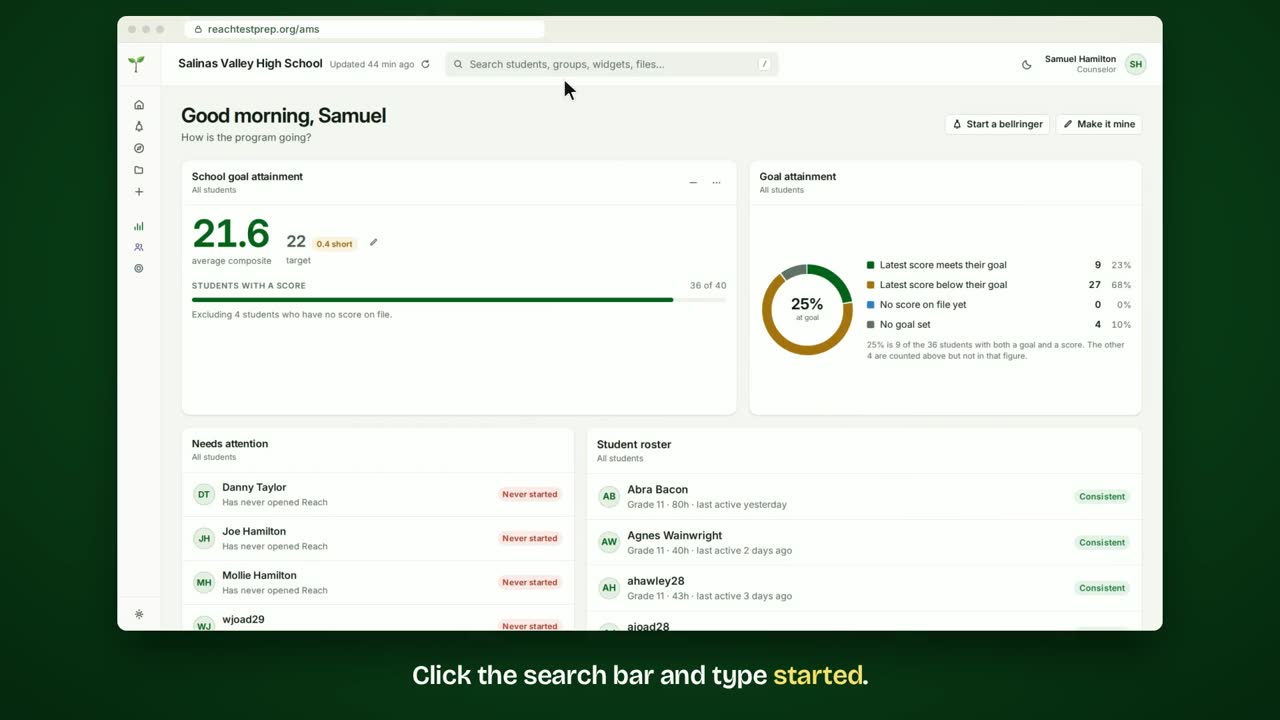 How to see which students haven't started Reach?See how many students have opened Reach, and who hasn't yet.
All the resources for educators
ACT® is a registered trademark of ACT Education Corp. Reach Test Prep isn’t affiliated with ACT. Spotted something out of date? Email reach@reachtestprep.org.