How to see student logins?
See how many times your students open Reach each day.
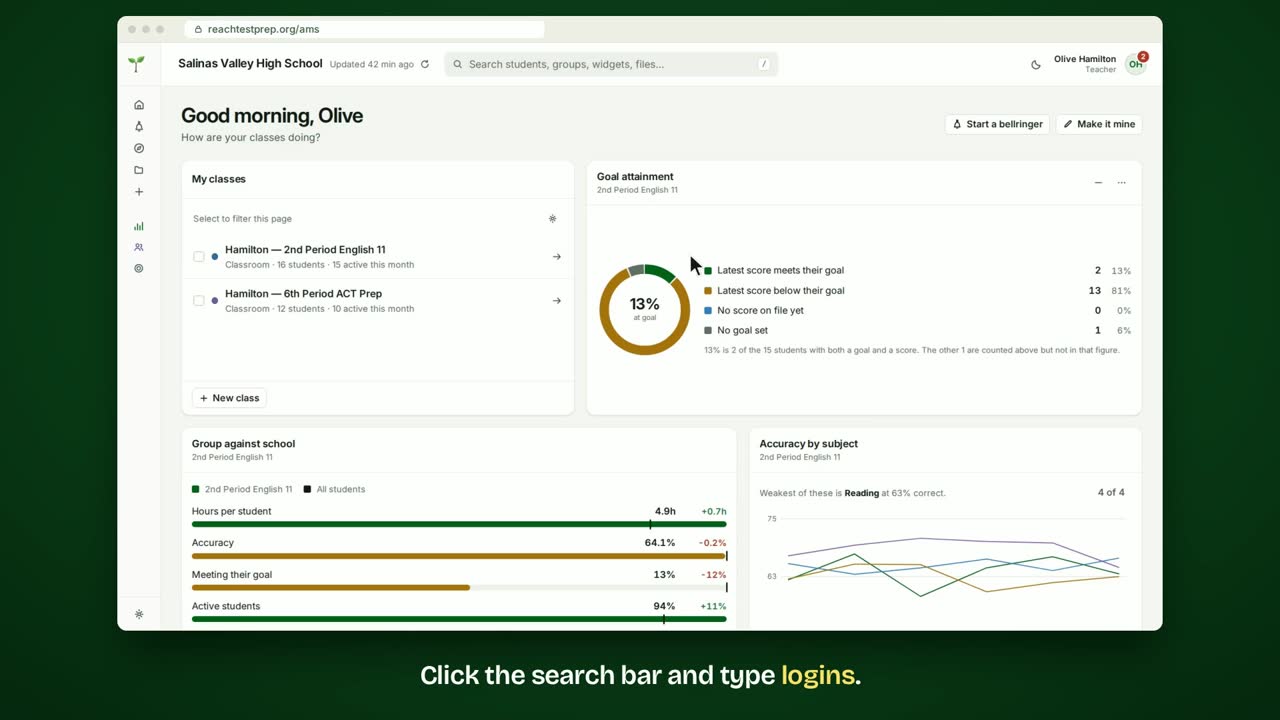
Step by step
- Click the search bar and type logins.
- Choose the Logins over period widget.
- Each bar is one day's logins. The total is at the top, against the period before.
- Choose 7d, 30d or 90d to change the period.
- To see one class, open the widget's ⋯ menu and choose Change what this shows.
- Tick the class, then click Show this group.
- To keep it, click Save and give it a name.
- It's in your menu now, ready whenever you need it.
In short
Search for logins and choose Logins over period. Pick 7d, 30d or 90d. Each bar is one day. Use the widget's ⋯ menu to choose a class, then Save it.
ACT® is a registered trademark of ACT Education Corp. Reach Test Prep isn’t affiliated with ACT. Spotted something out of date? Email reach@reachtestprep.org.