How to invite a colleague to the AMS?
Make an invite link for a colleague, then send it to them.
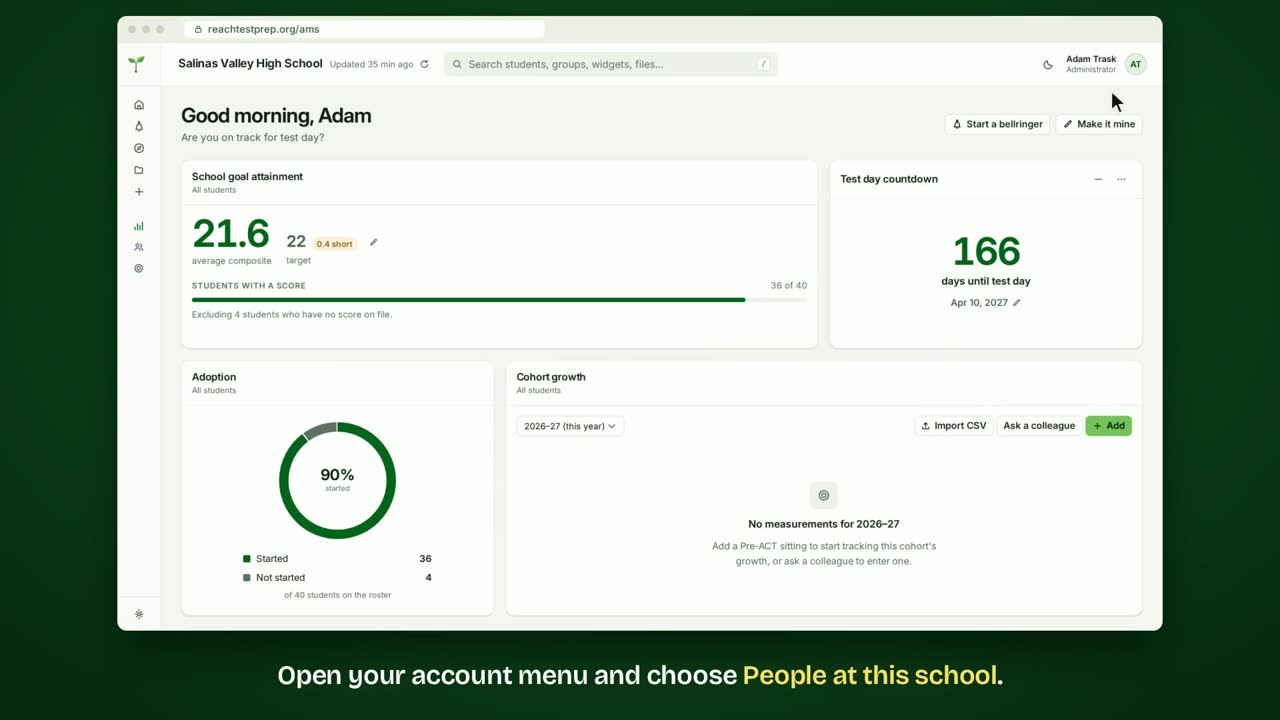
Step by step
- Open your account menu and choose People at this school.
- Everyone at your school with an AMS account is listed here.
- Click Invite someone.
- Type their school email.
- Choose their role: Teacher, Counselor or Administrator.
- Click Make the invite link.
- Copy the link and send it to them.
In short
Open your account menu and choose People at this school. Click Invite someone, then enter their email and role. Click Make the invite link, copy it and send it to them.
ACT® is a registered trademark of ACT Education Corp. Reach Test Prep isn’t affiliated with ACT. Spotted something out of date? Email reach@reachtestprep.org.